Rebook in Seconds
Keep your villa spotless with our new quick-action features. One tap to rebook, or set up a recurring schedule that runs itself.
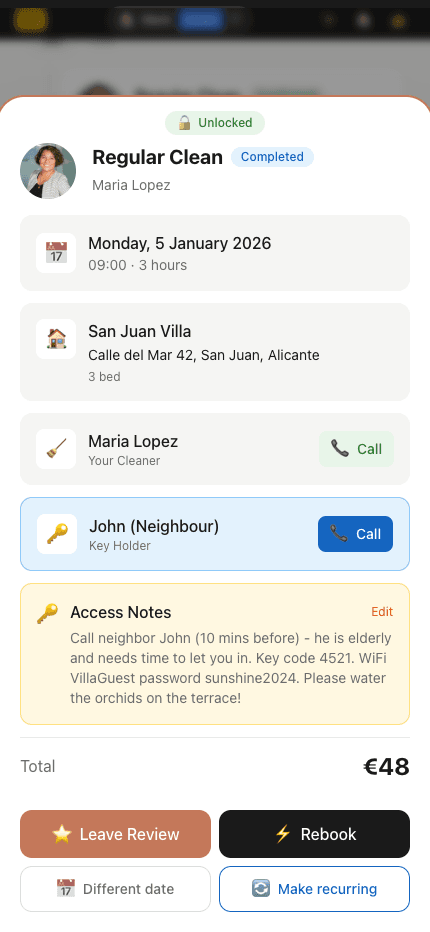
How to Access
- 1Go to your Past bookings tab
- 2Hold any completed booking card
- 3Tap Rebook or Make Recurring
Pro tip: The buttons appear when you hold the card for about 1.5 seconds until you feel a vibration.
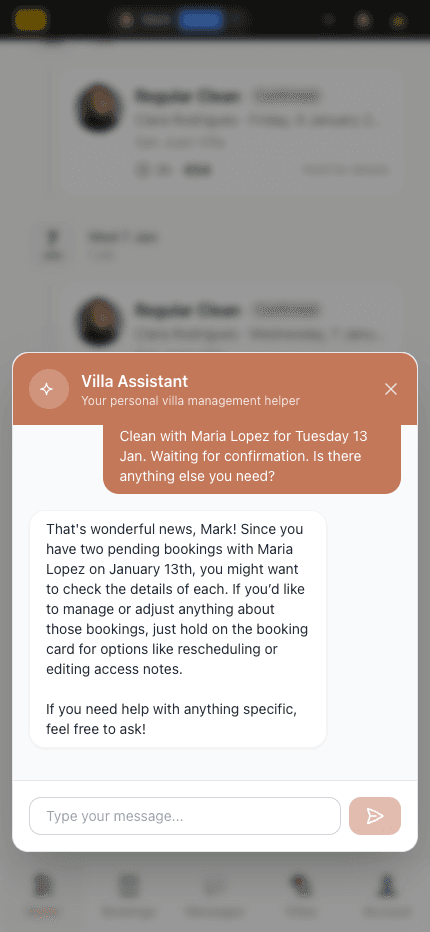
1-Click Rebook
Loved your last clean? Rebook the same cleaner with one tap. We automatically schedule for the same day next week.
- Same cleaner who knows your villa
- Same service and duration
- Automatically picks next available slot
- Just tap and confirm
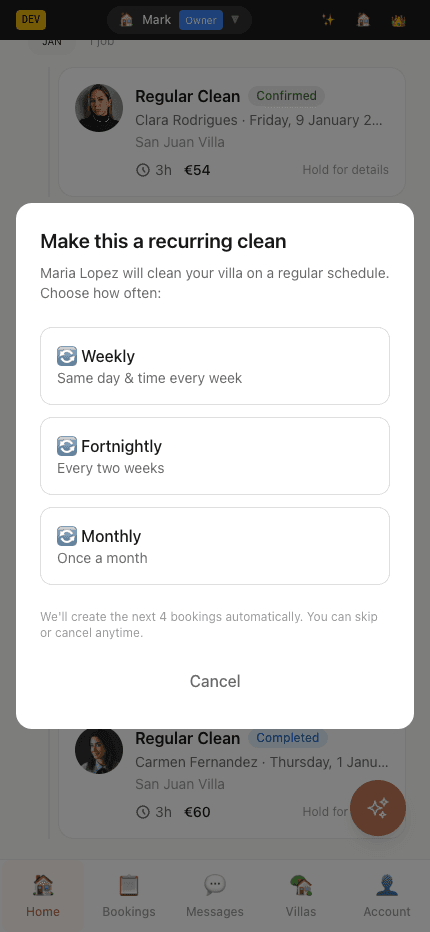
Make It Recurring
Turn any booking into a regular schedule. Weekly, fortnightly, or monthly - your villa stays spotless without lifting a finger.
- Weekly, fortnightly, or monthly options
- 4 bookings created automatically
- Same cleaner every time
- Cancel or modify anytime
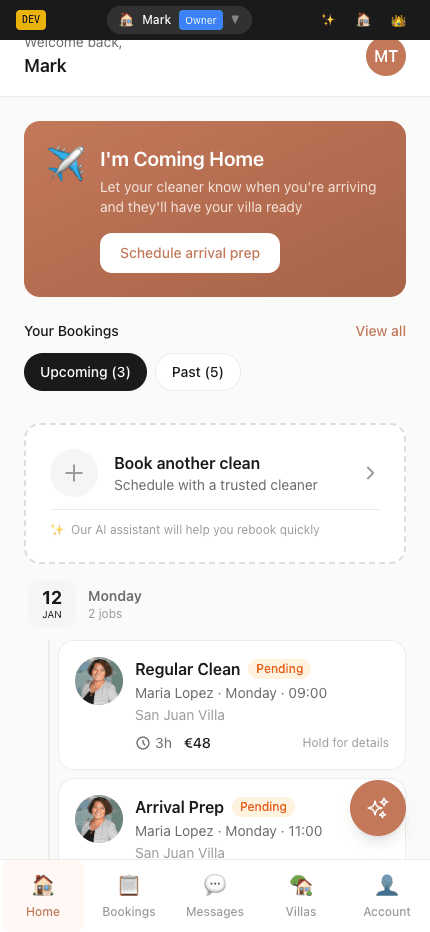
Instant Confirmation
Your new booking appears immediately in your Upcoming tab
Common Questions
What if my cleaner isn't available?▼
The booking is created as "Pending" and sent to your cleaner. If they can't make it, they'll decline and you can choose another time or cleaner.
Can I change the date after rebooking?▼
Yes! You can modify or cancel any booking from your dashboard before it's confirmed.
How do recurring bookings work?▼
When you choose "Make Recurring", we create the next 4 bookings at your chosen frequency. Each booking is sent to your cleaner for confirmation.
Can I cancel recurring bookings?▼
Yes, you can cancel individual bookings or the entire recurring series from your dashboard.